
Posting Pictures
-
You can also share these on our new photo hosting site at GearFeed.Org, then use it to hotlink to the forum. :D
Borrowing this photo from MathMitch, just right click on the image, copy the image location and post it here with some image tags. It should look like this:
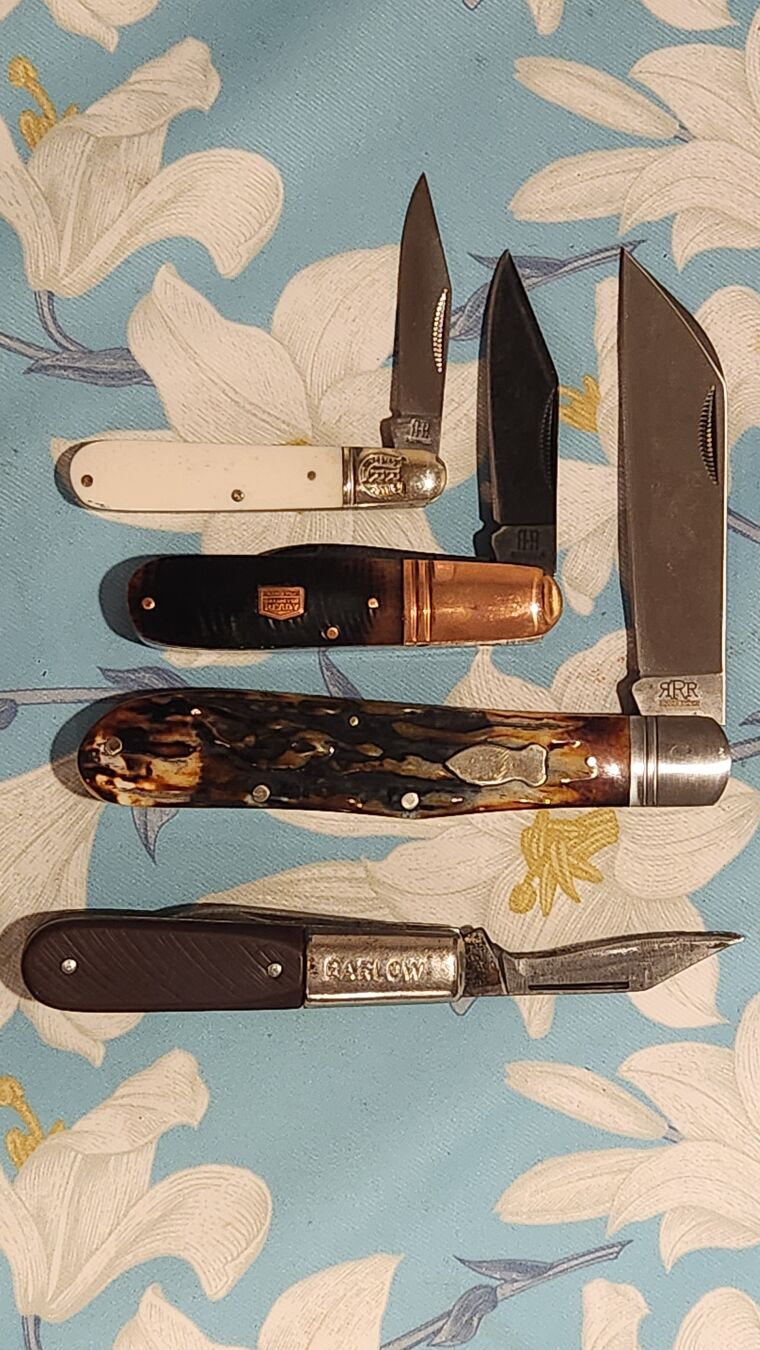Then you should get this:

Def
-
Test
[url][img] https://gearfeed.org/p/JonesE/1009204078372667509 [\img][\url]JonesE
-
Try it again without the URL tags or the little square brackets around them.
Def
-
Hmm, that didn't work...
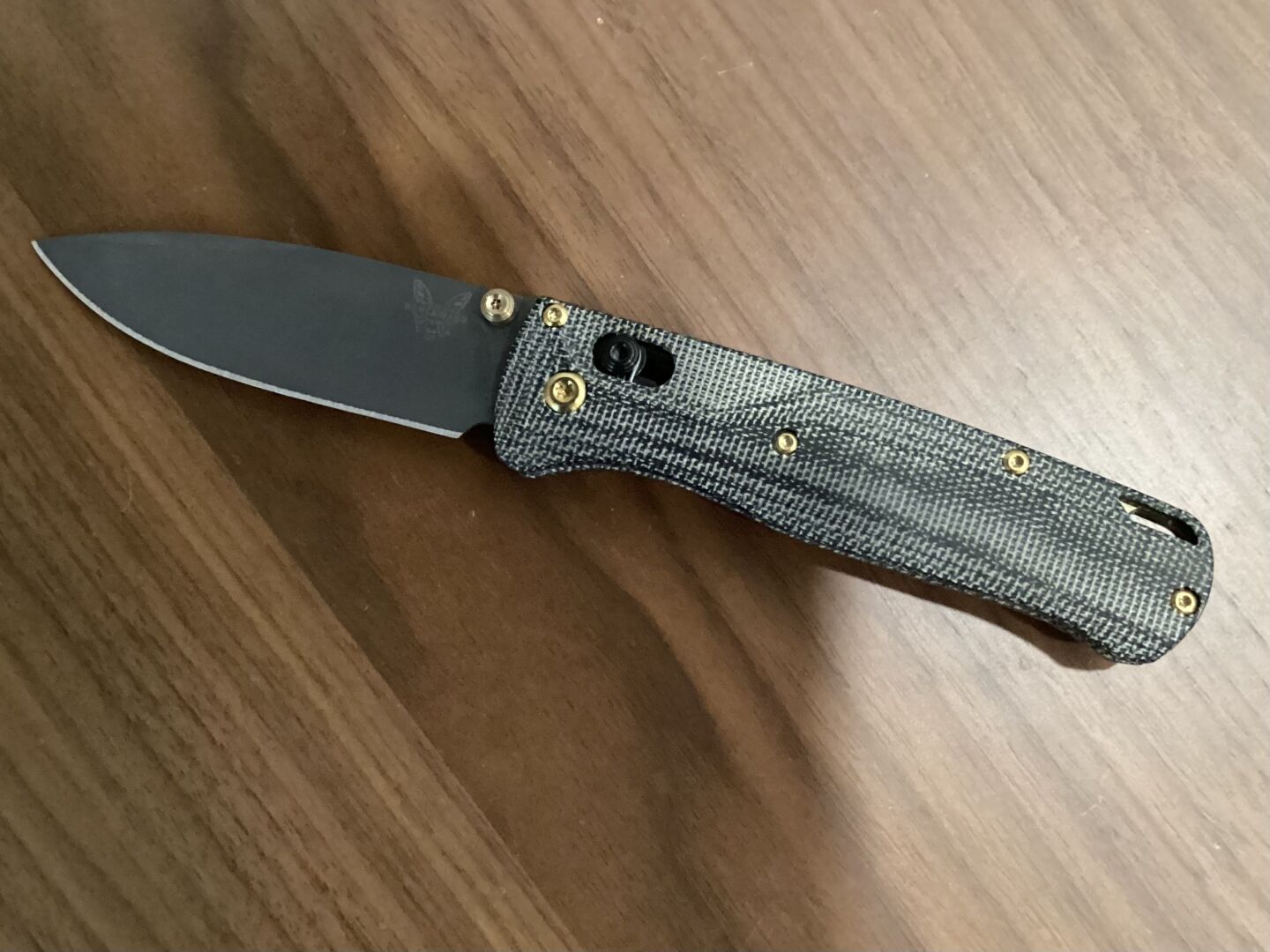
Ah, okay, wrong URL.
Much better. :D
Def
-
Also, once we get the new forum running, this will all be even easier. :D
I may even set it up so using certain hashtags or something will make them show up on the forum automatically. Apparently that's a feature if I can figure out how to make it work.....
Def
-
@Grant Lamontagne said:
Also, once we get the new forum running, this will all be even easier. :DI may even set it up so using certain hashtags or something will make them show up on the forum automatically. Apparently that's a feature if I can figure out how to make it work.....
Def
Let's not get carried away now :D
-
It's a lot of effort, particularly for someone who has t done any coding since the Apple IIc was cutting edge, but members are worth it. :D
Def
-
You should be privileged enough now.

In addition to the image attachment options, you can also drag and drop images into a post- and no need to resize like on the old forum.
Def
-
@User said:
-
@User said:
@User said:

-
The copy/paste function on my iPhone does work. But, found that the site strips away the back ground completely and also has made the background black.
Two examples that were drastically altered


-
@LoopCutter said:
The copy/paste function on my iPhone does work. But, found that the site strips away the back ground completely and also has made the background black.Two examples that were drastically altered
Strange
-
I found this difference in loading pictures.
If I copy / paste from my photo library
 This is the image adjusted by the site software.
If I select the photo from the camera icon
 this is the actual image. Correctly transferred








Hello! It looks like you're interested in this conversation, but you don't have an account yet.
Getting fed up of having to scroll through the same posts each visit? When you register for an account, you'll always come back to exactly where you were before, and choose to be notified of new replies (either via email, or push notification). You'll also be able to save bookmarks and upvote posts to show your appreciation to other community members.
With your input, this post could be even better 💗
Register Login